The Best Decibel Meter Apps for iPhone, Android and Apple Watch
The best noise meter apps compared: Decibel Meter, NIOSH SLM, Apple Watch Noise, Decibel X and Android sound meters. What each does well and how accurate they are.
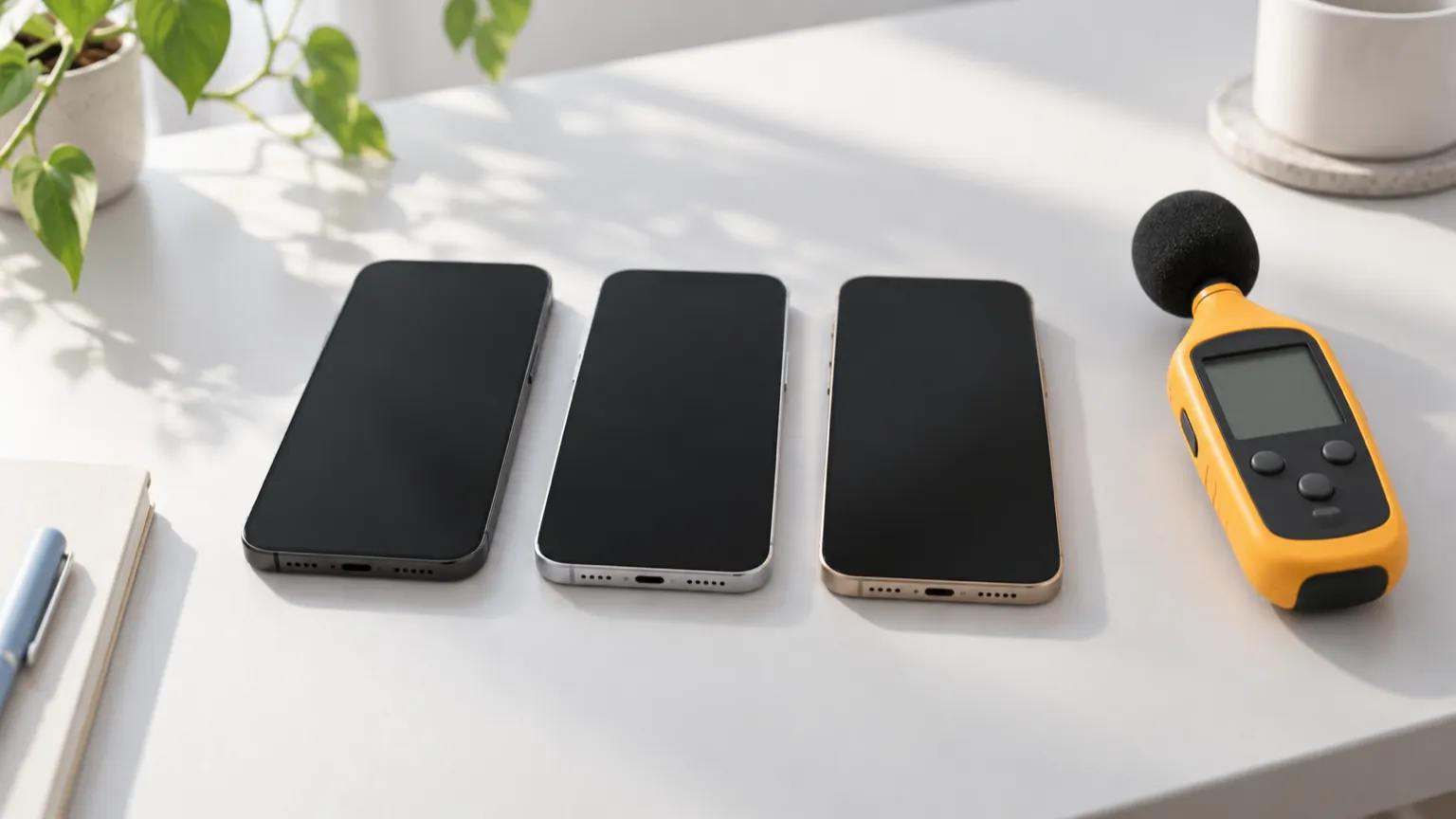
The best decibel meter app for most people on iPhone is Decibel Meter: dB Sound Level, our own app: it puts calibration, A/C/Z weighting, saved sessions, video evidence and a noise dose in one place, and it has an Apple Watch app. If you want a free app with published lab testing, the NIOSH Sound Level Meter is the benchmark. For hands-off warnings during the day, the Noise app on Apple Watch is already on your wrist. If your household mixes iPhone and Android, Decibel X runs on both. On Android, many apps work well, but accuracy depends more on the phone than on the app.
Below is what each option does well, when another one fits better, and how accurate a phone can be.
What makes a good decibel meter app?
Most meter apps show a big number that moves. The differences are in what sits behind it:
| Feature | Why it matters |
|---|---|
| A and C weighting | dBA is what almost every rule uses. dBC shows bass and loud music. See dB vs dBA. |
| Leq (average) | Changing noise needs an energy average, not a glance at the number. |
| Max and peak | Catches door slams, barking and other short events. |
| Calibration | Lets you correct your phone’s offset against a reference meter. |
| Fast and Slow response | Fast for short sounds, Slow for steady noise. |
| Saving and export | Needed for a noise log, a complaint or a report. |
| Noise dose | Turns a work shift into a share of the NIOSH or OSHA daily limit. |
An app without weighting, averaging or calibration can still tell you whether one room is louder than another. It cannot tell you much more.
The best decibel meter apps compared
| App | Platform | Price | Best for | Main limits |
|---|---|---|---|---|
| 1. Decibel Meter (ours) · Best overall | iPhone, Apple Watch | Free download, subscription to measure | Logging, video evidence, noise dose | iPhone only, subscription |
| 2. NIOSH Sound Level Meter | iPhone | Free | Workplace checks, published lab testing | Technical interface, no video mode |
| 3. Apple Watch Noise app | Apple Watch | Built in | Passive alerts all day | No weighting choice, no max or peak, no labelled sessions |
| 4. Decibel X | iPhone, Android | Free with paid upgrade | Same app on iPhone and Android | Android accuracy varies by phone |
| 5. Android "Sound Meter" apps | Android | Mostly free with ads | Quick checks | Accuracy varies, few pro features |
| 6. Browser meter (ours) | Any browser | Free | No-install quick check | No calibration or saving |
Get Decibel Meter on the App Store
1. Decibel Meter: dB Sound Level (iPhone and Apple Watch) — best overall
This is our app. It measures in dBA, dBC or dBZ with Fast or Slow response, shows min, Leq, max and peak, and calculates a NIOSH or OSHA noise dose. Sessions are saved with a chart and an optional location, and can be exported. Camera mode films the source with the live level on screen (the video has no audio track). It ships with per-model corrections and lets you calibrate against a reference.
Why it is our pick: it covers measuring, logging and evidence in one app, which is what you need for a noisy neighbor, a classroom or a work shift. It is free to download, and measuring is part of a subscription. See what the app does.
When another option fits better: NIOSH SLM if you want a free app with published lab results. Decibel X if you need Android. The Apple Watch Noise app if you only want free, fully passive alerts.
2. NIOSH Sound Level Meter (iPhone, free)
Built by the National Institute for Occupational Safety and Health, the US agency that researches workplace noise. It offers A, C and Z weighting, LAeq and time-weighted average, max and peak, and a noise dose with a projected dose for the full shift. NIOSH states it is accurate within ±2 dBA in its acoustics lab, and that it meets Type 2 requirements of IEC 61672 when used with a calibrated external microphone.
Good if you specifically need: a free app with published testing behind it. No other free app has this much, and it includes NIOSH’s own guidance on hearing protection. If you only need an honest number for a workplace and nothing more, it is the better choice.
Limits: iPhone only (NIOSH says it cannot verify Android apps because of hardware differences), the interface is aimed at safety professionals rather than casual users, and there is no video mode.
3. Apple Watch Noise app (built in)
Apple Watch measures ambient sound through its microphone and taps your wrist when the level passes a threshold you set. The Health app on iPhone keeps a history under Hearing > Environmental Sound Levels. Apple says the watch does not record or save sounds to do this.
Good if you specifically need: all-day warnings without doing anything. No phone app can match that for spotting the loud parts of your week.
Limits: you cannot choose a weighting, see max or peak, or save a labelled measurement of one place. Our iPhone measuring guide walks through the Watch settings.
4. Decibel X (iPhone and Android)
A long-running, popular third-party meter app with a clean interface, dBA and dBC readings, history and a paid upgrade for extra features.
Good if you specifically need: the same app on both platforms, so a family or team with mixed phones can use one app. Its design is friendly for people who just want a quick, readable number.
Limits: like every Android meter, readings on Android depend on the phone’s microphone. Calibrate before relying on absolute values.
5. Android sound meter apps
Search the Play Store for “sound meter” and you will find dozens of apps with that name. Many are fine for a quick check, and most are free with ads.
Good if you specifically need: a free quick check on an Android phone.
Limits: Android phones use many different microphones and audio processing paths, so two phones can read several decibels apart in the same room. Pick an app that lets you enter a calibration offset, and check it once against a known meter.
6. Browser meter (ours, free)
The free online meter on this site runs in any browser and uses your phone’s or computer’s microphone.
Good if you specifically need: a reading right now with nothing to install.
Limits: no calibration and no saving.
How accurate are decibel meter apps?
NIOSH researchers have tested smartphone sound apps in a series of studies since 2014. The pattern is consistent:
- The better iPhone apps come within a few decibels of a reference meter, and within about 2 dB once calibrated.
- Android apps vary much more, mostly because of hardware differences between phone models.
- Many apps in the stores are far off, especially ones without calibration.
Every phone also has physical limits. Below about 30 dB the microphone reads its own noise floor. Above roughly 100 to 120 dB, depending on the model, it clips. Wind, a thick case or a finger over the microphone all change the result.
For context, a normal conversation is about 60 dB and NIOSH’s risk line is 85 dB. Most everyday questions fall inside the range where a phone is reliable. The individual studies, what a phone cannot measure and how to check yours are covered in can I use my phone as a decibel meter?
Which app should you choose?
| You want to | Good choice |
|---|---|
| Keep a noise log for a landlord or council, with video evidence | Decibel Meter (ours) |
| Track a NIOSH or OSHA noise dose with saved sessions | Decibel Meter (ours) |
| Check workplace noise with a free, lab-tested app | NIOSH Sound Level Meter |
| Get warned about loud places without thinking about it | Apple Watch Noise app |
| Use the same app on iPhone and Android | Decibel X |
| Check a room right now with nothing to install | Browser meter |
| Produce a legally valid measurement | A certified Class 1 or Class 2 meter, not an app |
Download Decibel Meter on the App Store
If you are documenting a noisy neighbor, the neighbor noise guide explains what to record. Once you have a reading, the decibel chart puts it in context.
Tips for any meter app
- Point the bottom microphone at the sound and keep fingers clear of it.
- Take off a thick case and hold the phone at arm’s length.
- Record for 30 seconds or more and use Leq for changing noise.
- Use dBA unless you have a reason not to.
- Calibrate once against a meter you trust, and redo it if you change phone or case.
Getting started with ours
Decibel Meter: dB Sound Level for iPhone and Apple Watch gives you calibration, A/C/Z weighting, saved sessions, camera mode and a noise dose in one app. It is free to download, and measuring is part of a subscription. See what the app does or download it on the App Store. If you just want a quick reading first, the free online meter runs in your browser.
Questions
What is the best decibel meter app?
For most iPhone users, Decibel Meter: dB Sound Level (our app). It measures in dBA, dBC or dBZ, shows min, Leq, max and peak, saves sessions with a chart and export, films the source with the live level on screen, calculates a NIOSH or OSHA noise dose, and ships with per-model corrections plus calibration. If you need a free app with published lab testing, choose the NIOSH Sound Level Meter; for passive alerts, the Apple Watch Noise app; for the same app on iPhone and Android, Decibel X.
What is the most accurate decibel meter app?
The NIOSH Sound Level Meter app for iPhone is the best documented: NIOSH reports it is accurate within ±2 dBA in its lab, and it meets Type 2 requirements of IEC 61672 when used with a calibrated external microphone. Other good iPhone apps get close once calibrated; our Decibel Meter ships with per-model corrections and lets you calibrate against a reference.
Are decibel meter apps accurate on Android?
They can be, but results vary from phone to phone because Android devices use many different microphones and audio chains. NIOSH says it cannot verify Android apps for this reason. Calibrating against a known meter fixes most of the offset.
Is there a free decibel meter app?
Yes. The NIOSH Sound Level Meter app is free on iPhone, Apple Watch has a free built-in Noise app, and most Android sound meters are free with ads. A browser meter like the one on noiselevel.app works with nothing to install.
Can a phone app replace a professional sound level meter?
Not for legal or workplace compliance work, which needs a certified Class 1 or Class 2 meter. For everyday checks, comparing places and keeping a noise log, a calibrated phone app is good enough.